New Office IT Setup: A Blueprint for Seamless Relocation



Relocating to a new office is an exciting milestone for any growing business. More space, better location, improved working conditions, all good news. But when it comes to IT, office moves are also one of the biggest sources of risk: downtime, unstable networks, last-minute fixes, and unhappy teams on day one.
For businesses planning a new office IT setup in Dubai, speed and reliability are critical. Whether you’re moving into a mainland office, a free zone, or a business district, proper office IT installation in Dubai requires local expertise, from cabling standards to internet provisioning and security requirements.
If you operate in a regulated zone, requirements can be even higher. A new office IT setup DIFC project often needs stronger controls around access, documentation, and security baselines to avoid rework later.
A successful move isn’t just about desks and walls. It’s about having a fully operational, secure, and reliable IT environment from the moment the doors open.
Why IT is the critical path in any office move
In a new office, IT is the backbone of operations. If the network is unstable, devices aren’t ready, or access isn’t secured, productivity stops immediately.
· Internet not ready on day one
· Poor network design causing Wi‑Fi dead zones
· Cabling issues discovered too late
· Servers or firewalls installed without proper testing
· Workstations delivered but not configured
· Security systems (CCTV, access control) not integrated
Step 1: Design the right new office IT infrastructure setup
The biggest mistake companies make is starting IT installation after the office is handed over. A solid new office IT infrastructure setup in Dubai should be designed at the same time as the office layout.
Key elements to define early:
· Network architecture (switches, firewalls, access points)
· Server room location, cooling (AC), and power requirements
· Cabling paths (data, CCTV, access control)
· Internet redundancy and failover
· Security zones and access policies
Step 2: Professional office IT installation & cabling
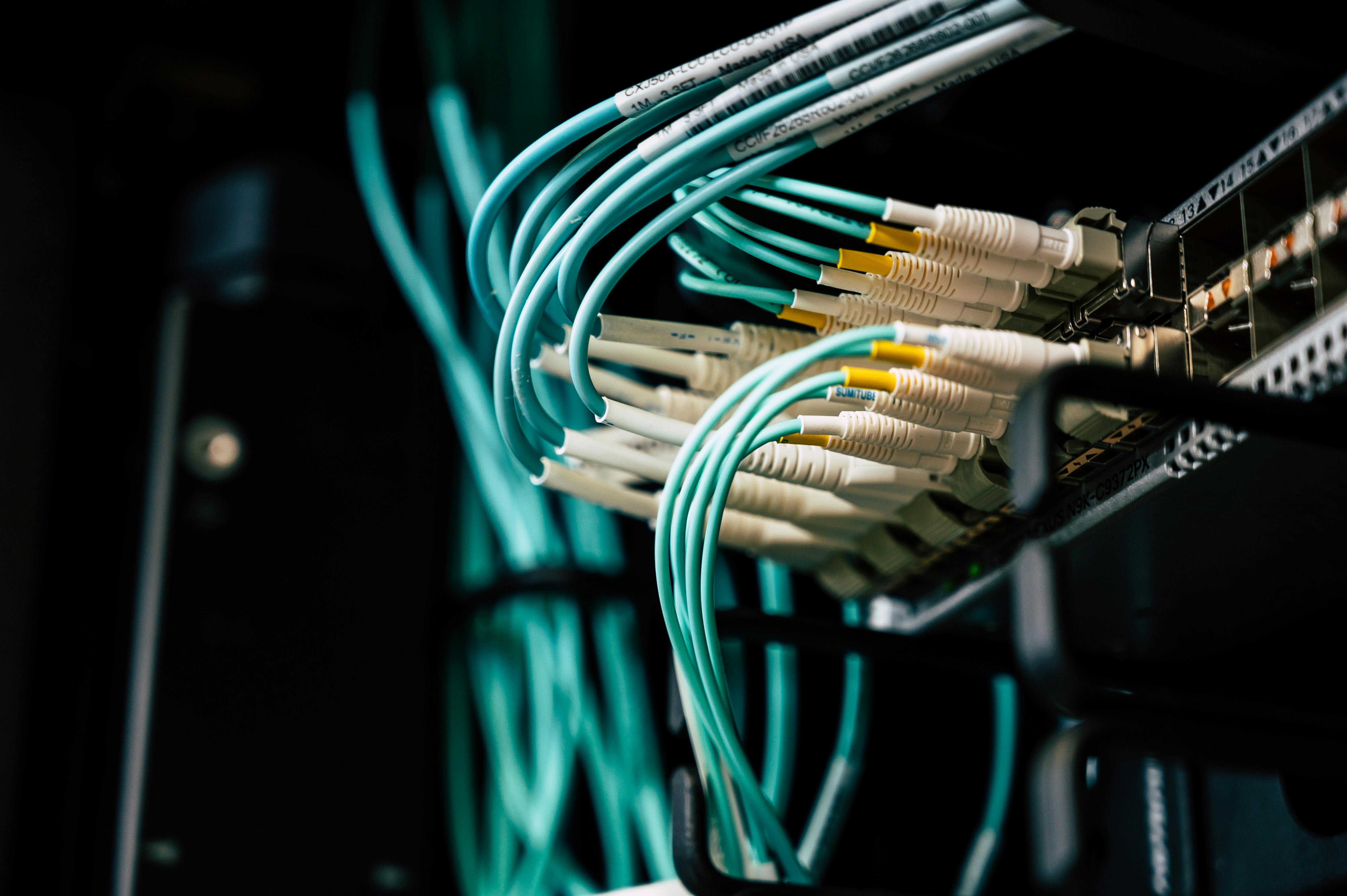
Once the design is validated, execution matters. Professional office IT installation includes structured cabling (Cat6/Cat6A), clean rack builds, Wi‑Fi coverage planning, and coordinated CCTV/access control installation.
Cutting corners here always shows later, through unstable networks, poor performance, and higher maintenance costs.
Step 3: Workstation & end-user setup
An office isn’t ready until people can work. Each workstation should be provisioned with devices, applications, and security policies, tested before go‑live.
This is where device management and application management make a real difference: consistent configuration, faster onboarding, and fewer day‑one issues.
Step 4: Security, monitoring & compliance from day one
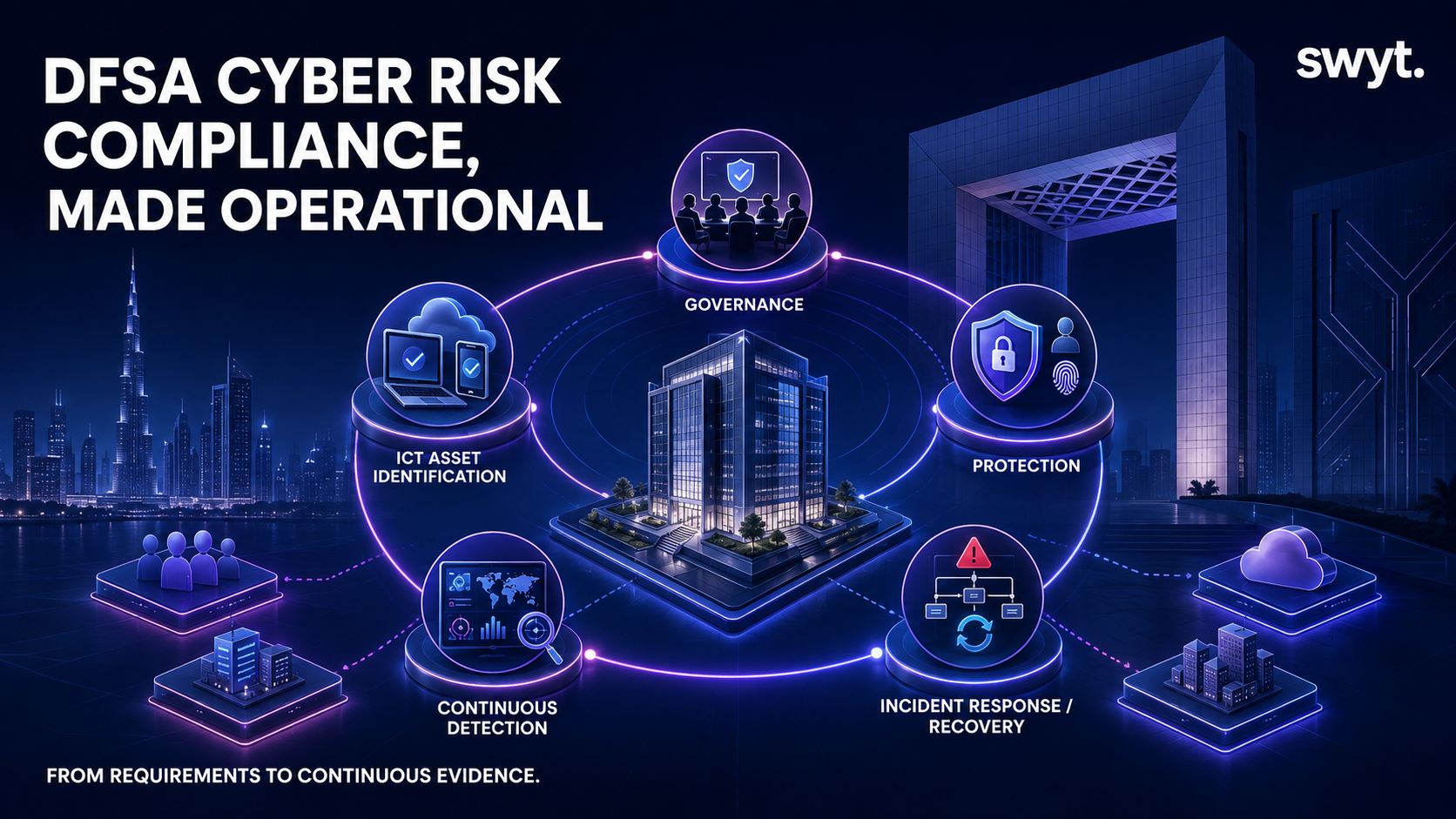
Office moves are high‑risk moments for security. A strong baseline combines network security with cybersecurity controls: segmentation, endpoint protection, secure access, and audit-ready monitoring.
From office setup to long-term IT operations (AMC)
The goal is not only to move smoothly, it’s to keep the office stable after go‑live. Many companies transition into an IT AMC (Annual Maintenance Contract) to cover ongoing infrastructure maintenance, proactive monitoring, and end-user support.
For day-to-day support, teams often pair AMC coverage with a 24/7 IT Helpdesk so employees can get fast resolution without building a large internal IT team.
Frequently Asked Questions
When should we start planning our new office IT setup?
Ideally, as soon as the office layout is defined and before any cabling or construction begins. Early planning avoids rework and reduces day-one risk.
What does a complete new office IT setup include?
Network design and cabling, internet connectivity, firewalls, Wi‑Fi, servers/backup, CCTV/access control, and workstation setup (devices, apps, policies).
How can we avoid downtime during an office relocation?
Design early, install and configure in advance, pre-provision devices, and run a full test before go-live. One accountable partner reduces delays and finger-pointing.
Do we need a new network when moving offices?
In most cases yes, new layouts and user density usually require redesigning Wi‑Fi, cabling, security segmentation, and firewall rules.
Can Swyt manage the entire office IT installation project?
Yes, Swyt can manage end-to-end office IT projects (network, AC requirements, CCTV, servers, firewall, devices, applications) and coordinate all vendors.
What happens after the office setup is completed?
Most clients move into AMC for maintenance and proactive monitoring, with optional 24/7 helpdesk support for employees.
Which companies has Swyt supported for office setup and relocation?
Swyt has supported projects for Havaianas, Kaye & Co, IGO, and BCP Bank.
Conclusion
With the right planning, execution, and security baseline, your office move becomes a smooth transition instead of a risky disruption. Swyt’s objective is to make your relocation and new office setup as seamless as possible, then maintain the full infrastructure and end-user environment through AMC.


.png)