Cybersecurity Awareness Training: Why Employees Are Your First Line of Defence


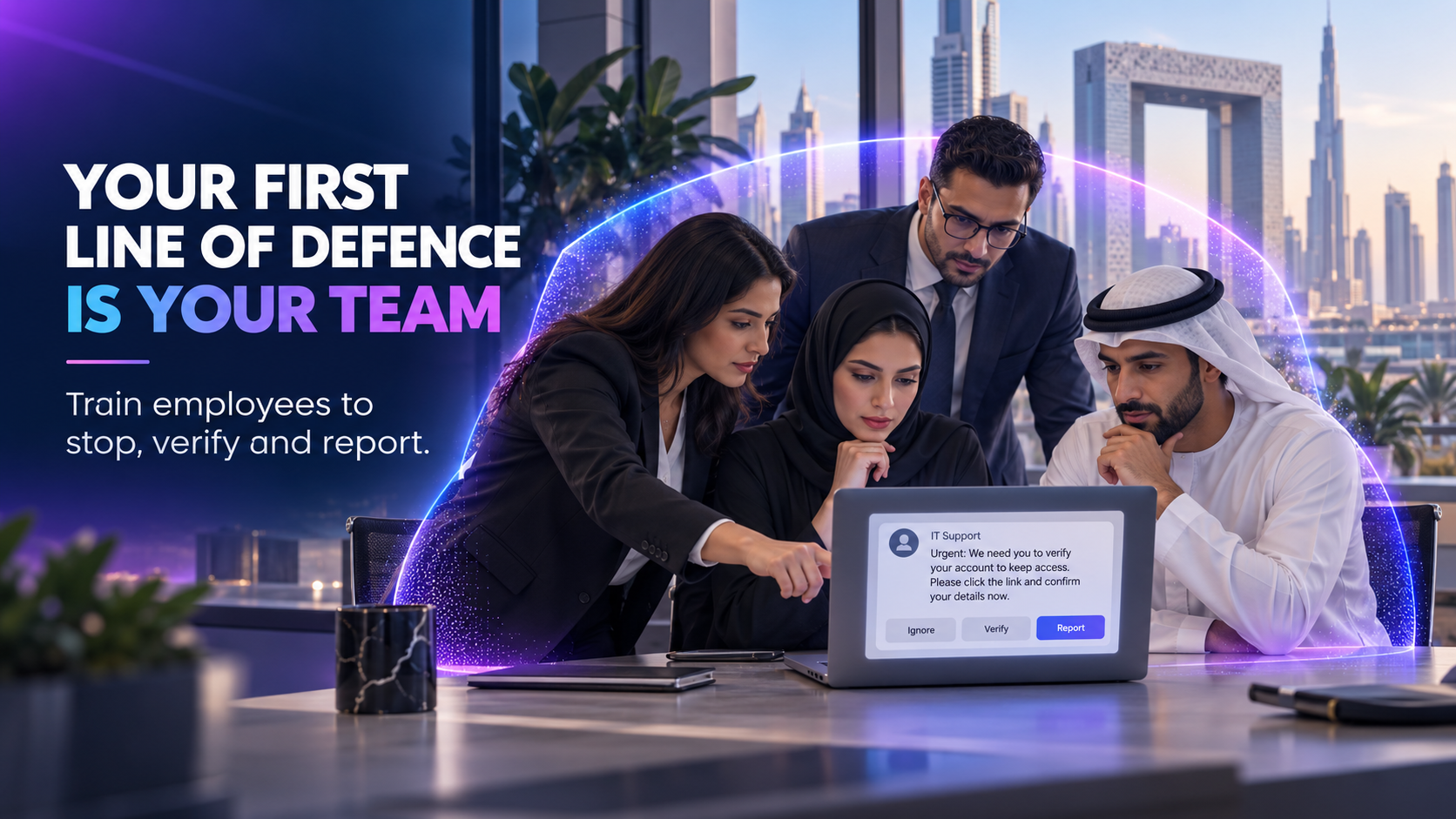
A suspicious email is rarely labelled as an attack.
It may look like an urgent request from the CEO, a revised invoice from a supplier, a Microsoft 365 security alert, or a message from IT support asking an employee to verify an account.
Cybersecurity technology and monitoring can detect and block many threats. But when a convincing request reaches an employee, their decision may determine what happens next.
Do they click or stop?
Do they approve the MFA request or question why it appeared?
Do they transfer the money or verify the new bank details independently?
Do they ignore the suspicious message or report it quickly enough for the security team to protect everyone else?
This is why employees are the first line of defence.
The objective of cybersecurity-awareness training is not to turn every employee into a security specialist. It is to help people make safer decisions during ordinary working situations.
Cybersecurity is no longer only an IT responsibility
Businesses depend on employees to access cloud applications, communicate with suppliers, share files, process payments, use mobile devices, and work remotely. A properly configured cloud-security environment provides essential protection, but employees must still recognise when a legitimate-looking request should not be trusted.
Every one of these activities creates decisions that technology cannot manage entirely on its own.
Attackers exploit this reality by impersonating people and services that employees already trust:
• A senior executive
• A supplier
• A colleague
• The internal IT team
• Microsoft, Google, or another familiar platform
• A bank or delivery company
• A potential customer
• A recruitment candidate
Modern phishing is not limited to badly written emails.
It can arrive through email, instant messaging, Microsoft Teams, SMS, WhatsApp, telephone calls, QR codes, shared documents, or fake login pages. Microsoft’s security guidance specifically recognises phishing and suspicious-message reporting within Teams, while its Defender tools include protection against user and domain impersonation.Microsoft Teams security guidance
Employees therefore need to understand that the communication channel does not prove the sender’s identity.
What does “first line of defence” mean?
Calling employees the first line of defence should not mean blaming them when something goes wrong.
Employees cannot compensate for missing MFA, weak access controls, unpatched devices, or poor email security. Awareness training must complement technical protection across devices, identities, applications, and networks.
Being the first line of defence means that employees can interrupt an attack before it develops into a larger incident.
An aware employee can:
1. Recognise that a request may be suspicious.
2. Verify the person, instruction, or destination through a trusted channel.
3. Respond safely without clicking, disclosing information, or approving access.
4. Report the event quickly so the security team can investigate.
These four behaviours should sit at the centre of an effective awareness programme.
1. Recognise the warning signs
Training should help employees recognise suspicious situations without expecting them to memorise a technical checklist.
Common warning signs include:
• Unexpected urgency or pressure
• Requests to bypass normal procedures
• New supplier bank details
• Unusual payment instructions
• Login links arriving without explanation
• Unexpected MFA notifications
• Requests for passwords or authentication codes
• Messages from unfamiliar external accounts
• Slightly altered email addresses or domains
• Unexpected file-sharing invitations
• Requests to install remote-access software
• Instructions to keep the request confidential
One warning sign does not automatically prove that a message is malicious. It should encourage the employee to pause and verify it.
2. Verify using a trusted channel
Verification is one of the most important security habits an employee can develop.
If a supplier requests new bank details, the employee should call a known contact using a telephone number already held by the company—not the number written in the suspicious message.
If a senior executive requests an urgent payment, the finance team should follow the company’s established approval process.
If someone claiming to be from IT asks for access, the employee should contact the official IT helpdesk independently.
Verification should take place outside the channel through which the original request arrived.
Replying to the same compromised email account or calling a number included in the message may simply reconnect the employee with the attacker.
3. Respond safely
Employees should know the immediate action expected from them.
Depending on the situation, that may mean:
• Do not click the link
• Do not open the attachment
• Do not provide credentials
• Do not share an authentication code
• Reject an unexpected MFA request
• Do not install software
• Stop a payment or data transfer
• Disconnect a potentially compromised device
• Contact the official support team
Employees should never approve an MFA request they did not initiate.
MFA provides important additional protection, but repeated approval notifications can be used to pressure or confuse a user. Awareness training should explain that rejecting and reporting an unexpected request is the correct response.
4. Report without delay
An employee who reports a suspicious message has provided useful security intelligence.
The report may allow the company to:
• Remove similar messages from other inboxes
• Block a malicious sender or website
• Identify an impersonated executive or supplier
• Reset exposed credentials
• Investigate unusual login activity
• Warn other employees
• Stop a fraudulent payment
• Preserve evidence
• Assess whether an incident must be escalated
The reporting process must be simple.
Employees should know exactly which approved channel to use, whether that is a reporting button, email address, service desk, Slack channel, Teams channel, or WhatsApp Business support line.
The US Cybersecurity and Infrastructure Security Agency similarly advises organisations to equip employees to recognise and report phishing—not merely delete it silently.CISA guidance for SMEs
What should cybersecurity-awareness training cover?
A practical programme should reflect the risks employees encounter in their day-to-day work.
Phishing and social engineering
Employees should learn how attackers create trust, urgency, authority, fear, or curiosity to influence decisions.
Training should cover email as well as messaging platforms, telephone calls, QR codes, shared documents, and fake login pages.
Fake CEO and supplier requests
Finance, procurement, administration, and leadership teams should understand how attackers impersonate executives and vendors.
The programme should reinforce payment approvals, bank-detail verification, callback procedures, and escalation rules.
Password and credential security
Employees should understand:
• Why passwords should not be reused
• How password managers help
• Why credentials must never be shared
• How fake login pages capture passwords
• What to do after entering credentials on a suspicious page
MFA vigilance
Training should explain that MFA is not a request to approve automatically.
Employees should reject and report any login or authentication prompt they did not initiate.
Safe data handling
Employees need practical guidance on how to support the organisation's wider data-security controls, including:
• Which information is sensitive
• Where company information may be stored
• How files may be shared
• When external sharing is permitted
• Which applications are approved
• How to report accidental disclosure
AI and collaboration tools
Employees may enter company information into AI tools without realising how that data may be processed or retained.
Training should clearly explain which AI tools are approved, what information may be submitted, and when confidential data must not be used.
The same principle applies to personal cloud storage, messaging applications, browser extensions, and unapproved SaaS platforms.
Mobile and remote-work security
Employees working from home, cafés, airports, hotels, or client sites should understand the risks associated with public Wi-Fi, unattended screens, shared devices, personal applications, and conversations in public environments.
Incident reporting
Employees should know what constitutes a reportable event and whom to contact.
They should also understand that reporting a mistake quickly is more valuable than concealing it.
Why generic annual training is not enough
A long, generic presentation completed once a year may produce a certificate without changing behaviour.
Effective training should be:
• Short enough to maintain attention
• Relevant to the employee’s role
• Based on realistic workplace scenarios
• Adapted to the company’s tools and processes
• Reinforced throughout the year
• Updated as threats and working practices change
• Supported by clear reporting procedures
• Measured through assessments and completion records
Finance teams may need more training on fraudulent payments and supplier impersonation.
HR teams may face fake CVs, malicious attachments, and requests involving employee data.
Executives may be targeted through impersonation, account takeover, or requests designed to exploit their authority.
A single generic module cannot address every risk equally well.
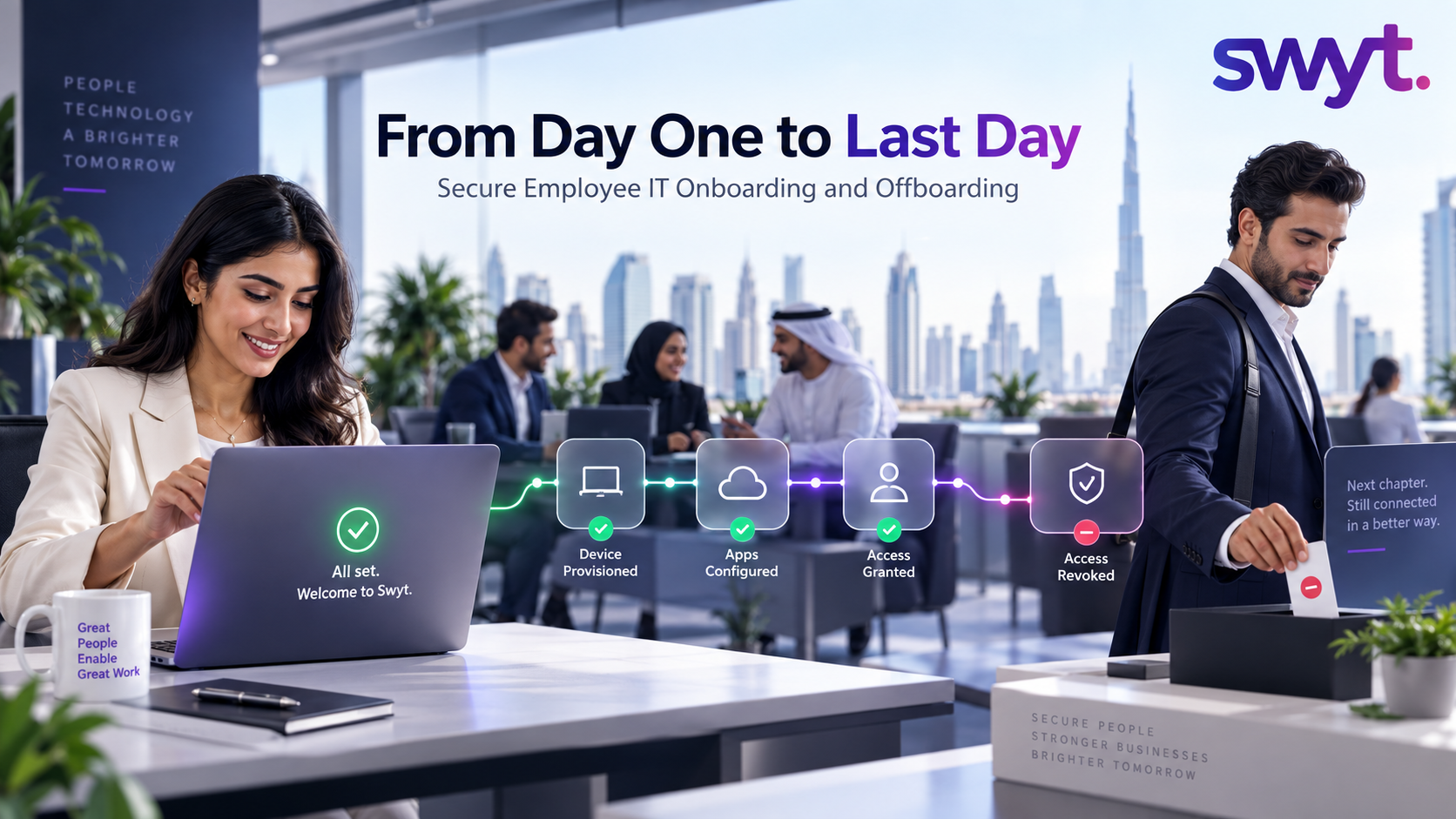
Training should begin during onboarding
A new employee receives access to company devices, applications, files, and communication channels—often within the first few hours of joining.
Security expectations should form part of a controlled employee IT onboarding process.
New joiners should learn:
• Which tools are approved
• How to protect their credentials
• How MFA should behave
• How company data may be shared
• How to contact official IT support
• How suspicious activity must be reported
• What to do if a device is lost
• Which policies apply to remote work and AI tools
The employee should then receive refresher training and updates throughout their employment.
Access should not be granted without explaining how it must be protected.
Cybersecurity training and DFSA GEN 5.5
For DFSA Authorised Persons, cybersecurity training is not only a recommended practice. It should form part of the organisation's wider compliance and certification programme.
GEN 5.5.14 requires a comprehensive cybersecurity-training programme and adequate awareness arrangements. Relevant employees must receive training at least annually on the firm’s cybersecurity policies and standards, maintain appropriate competence for detecting and reporting cyber incidents, and understand their individual responsibilities.DFSA GEN 5.5.14
A regulated firm should therefore be able to demonstrate:
• Who was assigned training
• Which material was delivered
• When training was completed
• Whether employees passed an assessment
• How overdue training was followed up
• How content relates to company policies
• How new employees are included
• How role-specific risks are addressed
• How employee awareness is refreshed
• Whether employees understand incident reporting
A list of attendees may show participation. Assessments, completion tracking, scenario exercises, and reporting records provide stronger evidence that the programme is operating.
How should training effectiveness be measured?
Completion rate is useful, but it should not be the only measure.
Businesses can also track:
• Assessment results
• Repeat attempts
• Phishing-simulation outcomes
• Suspicious messages reported
• Time taken to report
• Recurring areas of confusion
• Departments requiring additional support
• Completion by new joiners
• Overdue refresher training
• Behaviour observed during incident exercises
Metrics should be used to improve training, not embarrass employees.
A healthy security culture encourages people to ask questions and report potential mistakes early.
Technology and training must work together
Training cannot replace security controls.
Employees should be supported by:
• MFA
• Anti-phishing and impersonation protection
• Secure device configuration
• Endpoint protection
• Access controls
• Patch management
• Data-loss prevention
• Logging and monitoring
• Backup and recovery
• A responsive IT helpdesk
Microsoft provides technical anti-phishing controls for detecting spoofed senders and impersonation attempts, while its attack-simulation capabilities can be used to test practices and train employees.Microsoft anti-phishing guidance,Microsoft attack simulations
The strongest defence combines secure technology, clear procedures, trained employees, and rapid support.
How Swyt delivers practical awareness training
Swyt’s cybersecurity-awareness programme is built around real business risks rather than generic compliance content. Combined with Swyt's managed cybersecurity services, employee reports can connect directly to investigation, containment, and remediation rather than ending with a training certificate.
The programme can include:
• Self-paced employee training
• Content tailored to company policies and tools
• Phishing and social-engineering scenarios
• Fake CEO and supplier-payment requests
• Password and MFA security
• Safe handling of company and customer data
• AI, mobile, and remote-work risks
• Incident recognition and reporting
• Employee assessments
• Completion tracking
• Individual certificates
• Evidence for audits and compliance reviews
• Onboarding and refresher assignments
The objective is simple: give every employee the confidence to stop, verify, and report when something does not feel right.
One employee making the correct decision can prevent a suspicious message from becoming a company-wide incident.
Make your employees your strongest security layer
Swyt can assess your team's main cyber-awareness risks and create a practical programme around the threats employees encounter every day.
Book a 30-minute cybersecurity-awareness discovery session with Swyt.
No commitment · 30 minutes · tailored to your team.
Frequently asked questions
What is cybersecurity-awareness training?
It is practical training that helps employees recognise cyber threats, make safer decisions, protect company information, and report suspicious activity.
Why are employees the first line of defence?
Employees often receive the fraudulent message, payment request, login prompt, or telephone call before the security team knows an attack is occurring. Their response can interrupt the attack.
How often should employees receive training?
Training should begin during onboarding and be refreshed regularly. DFSA GEN 5.5.14 requires relevant employees of an Authorised Person to receive training at least annually.
Is annual training sufficient?
Annual training provides a baseline, but awareness should be reinforced through shorter refreshers, policy updates, relevant scenarios, and clear reporting procedures throughout the year.
Should every department receive the same training?
Core principles should be shared across the company, but scenarios should reflect each team’s exposure. Finance, HR, executives, sales, operations, and IT face different attack patterns.
Does cybersecurity-awareness training replace phishing protection?
No. Training should operate alongside email security, MFA, access controls, device protection, monitoring, and incident response.
Should employees be punished for failing a phishing simulation?
Simulations should identify where additional support is required. A punitive approach may discourage employees from reporting genuine incidents or honest mistakes.
Can training support ISO 27001 or DFSA compliance?
Yes. Training records, assessments, completion tracking, and refresher activities may provide valuable compliance evidence. The programme must still be aligned with the organisation’s applicable requirements and policies.
Can Swyt tailor training to our company?
Yes. Swyt can adapt the programme to the company’s tools, policies, employee roles, working environment, and most relevant risks.

.png)