Fortinet Firewalls for UAE SMEs: What Swyt’s New Partnership Means


.png)
Swyt has become a Fortinet partner, strengthening our ability to help businesses across Dubai, the UAE, and the wider GCC build secure, visible, and resilient networks.
For an SME, however, the important question is not simply which firewall brand to buy. It is whether the firewall is correctly selected, configured, monitored, updated, and adapted as the business grows.
A Fortinet firewall installed with default settings is only a device. A properly managed Fortinet environment becomes an active security layer protecting employees, applications, locations, and business data.
Here is what UAE businesses should understand before making a decision.
What is a business firewall?
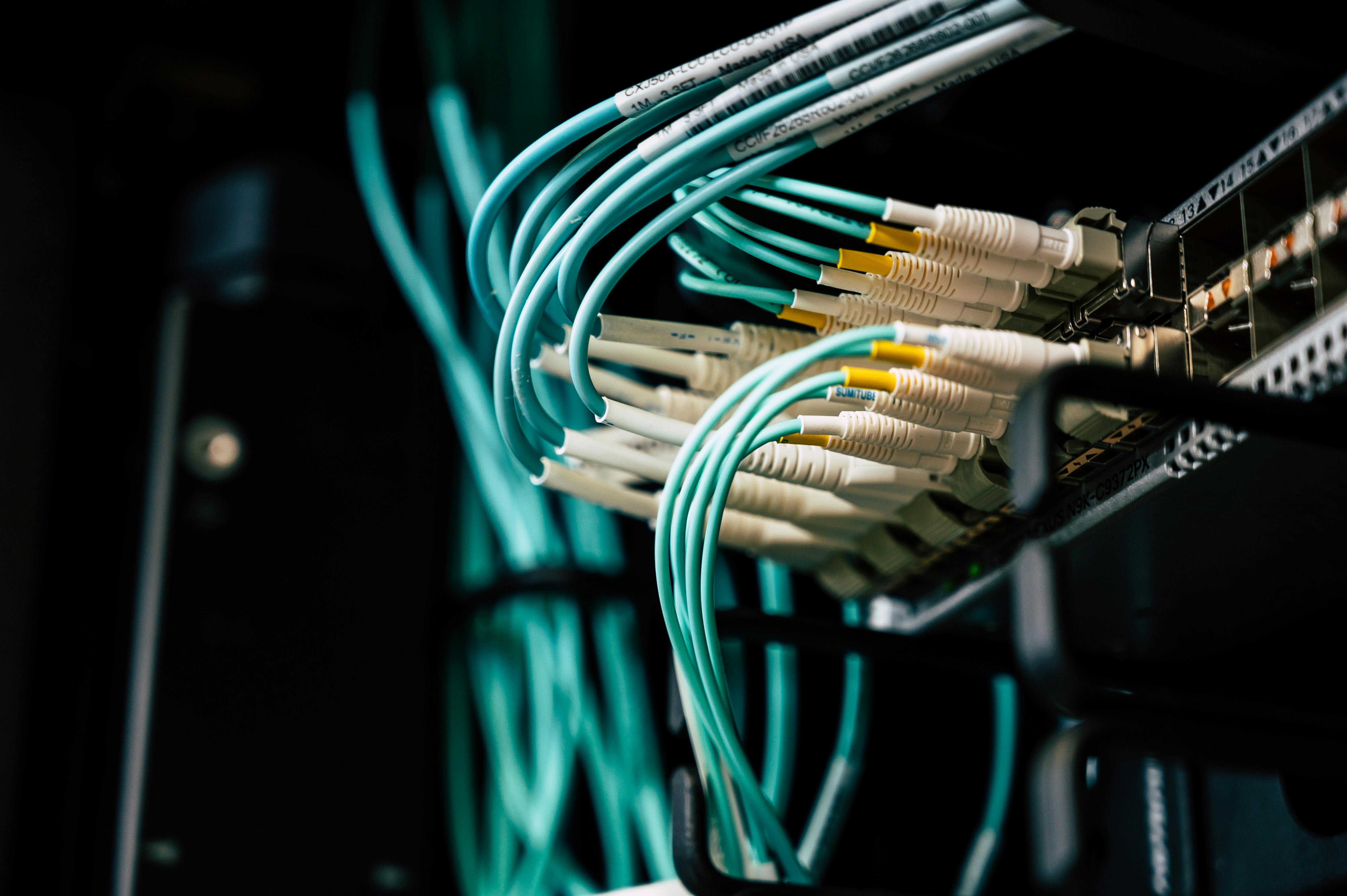
A firewall controls the traffic entering and leaving a business network. It applies security rules to decide which users, devices, applications, and connections should be permitted or blocked.
A basic internet router may include limited firewall functionality. That may be adequate for a very small or low-risk environment, but growing businesses usually need greater visibility and control.
A properly configured business firewall can help an organisation:
- Block unauthorised network connections
- Control which applications use the network
- Inspect traffic for suspicious activity
- Separate employee, guest, server, and smart-device networks
- Secure connections between offices
- Provide protected remote access
- Record security events for investigation and reporting
- Support internet failover and connectivity resilience
Fortinet’s FortiGate range combines networking and security capabilities within a next-generation firewall platform. Fortinet offers entry-level FortiGate options specifically for smaller organisations, although the right model and subscriptions depend on the environment. Fortinet describes these systems as protecting applications, devices, and employees across different locations. Fortinet’s small-business firewall overview.
Why a standard office router may no longer be enough
Many UAE SMEs begin with the router supplied by their internet provider. This is understandable: it is convenient, provides Wi-Fi or connectivity, and requires little initial planning.
The problem appears as the business grows.
The company may add cloud applications, CCTV cameras, biometric readers, meeting-room systems, remote employees, guest Wi-Fi, servers, and multiple locations. All these systems connect through the network, but they should not necessarily communicate with one another freely.
Common warning signs include:
- Employees and visitors using the same network
- No clear inventory of connected devices
- Former employees retaining VPN access
- CCTV or biometric systems connected to the main business network
- Firewall rules that nobody has reviewed for years
- No alerts when unusual traffic appears
- No tested backup connection
- Several branches using inconsistent security settings
- A firewall that is no longer receiving security updates
At this point, the business needs a structured network security service, not another standalone piece of hardware.
What does a Fortinet next-generation firewall do?
A next-generation firewall, or NGFW, goes beyond basic traffic filtering. Depending on the selected FortiGate model, software version, configuration, and security subscriptions, the environment can support several important capabilities.
1. Application visibility and control
Traditional firewall rules often rely heavily on IP addresses and ports. Modern business traffic is more complex.
Application control helps the business understand which applications are using its connection and apply policies based on business requirements. This can help identify unauthorised tools, risky applications, or unexpected bandwidth usage.
2. Intrusion prevention
An intrusion prevention system examines network activity for patterns associated with known attacks or suspicious behaviour.
When properly configured and maintained, it can detect or block certain threats before they reach internal systems. It should still form part of layered business cybersecurity protection, alongside endpoint security, identity controls, patching, email security, backup, and employee awareness.
3. Web and DNS filtering
Web and DNS security controls can restrict access to malicious or inappropriate destinations. Policies can be adapted by user group, department, device type, or business location.
This provides an additional layer of protection against phishing, malware delivery, and risky browsing, but it does not replace secure email or endpoint protection.
4. Secure remote and site-to-site access
FortiGate can support encrypted connectivity for approved remote users and between business locations.
This is particularly relevant to UAE and GCC companies operating across multiple offices, shops, clinics, warehouses, or regional branches. Access should be limited according to job requirements and reviewed whenever an employee changes role or leaves the company.
5. Network segmentation
Network segmentation separates systems into controlled zones.
For example, an office could maintain distinct networks for:
- Employees
- Guests
- Finance systems
- Servers and storage
- CCTV cameras
- Access-control and biometric systems
- Printers and smart devices
If one device is compromised, segmentation can help restrict its ability to communicate with other parts of the business. The effectiveness depends on the network architecture and the accuracy of the firewall rules.
6. SD-WAN and connectivity resilience
Supported FortiGate configurations can help manage multiple internet connections, select appropriate traffic paths, and provide failover when a primary connection becomes unavailable.
This can be valuable in customer-facing locations or businesses that depend on cloud applications, VoIP, online payments, or contact-centre platforms.
Security and connectivity should be designed together through proper IT infrastructure management, especially when the organisation has several sites.
How should a UAE SME choose a FortiGate firewall?
The number of employees matters, but it should not be the only selection criterion.
A proper assessment should consider:
- Internet connection speed
- Number of users and connected devices
- Volume of encrypted traffic
- Security services that will be enabled
- Number of offices or branches
- Remote-access requirements
- Guest and corporate Wi-Fi architecture
- Business applications and cloud platforms
- Voice and video traffic
- Internet failover requirements
- Expected growth over the next three to five years
- Availability and redundancy requirements
- Logging, reporting, and compliance needs
A firewall’s headline throughput is not always the same as its performance when security inspection features are enabled. The proposed device should therefore be assessed against the business’s real traffic and security requirements.
The aim is not to purchase the most expensive model. It is to avoid both under-sizing—which can affect performance—and over-sizing, which adds unnecessary cost.
Why configuration and management matter as much as hardware
Firewalls are not “install once and forget” products.
New applications are introduced. Employees join and leave. Offices move. Internet connections change. Security vulnerabilities emerge. Temporary firewall rules are created and sometimes never removed.
A managed firewall lifecycle should include:
- Discovery and design: Map the network, devices, locations, applications, and business risks.
- Secure deployment: Configure access rules, segmentation, VPNs, inspection profiles, administrative security, and logging.
- Testing: Confirm that legitimate applications work and prohibited access is blocked.
- Documentation: Record the architecture, firewall rules, subscriptions, administrators, and recovery procedures.
- Monitoring: Review alerts, unusual activity, availability, and performance.
- Maintenance: Apply supported firmware updates and review security subscriptions.
- Periodic optimisation: Remove obsolete rules and adapt policies as the business changes.
- Incident response: Define who investigates an alert, how evidence is retained, and when the issue should be escalated.
This lifecycle is where a managed IT services partner adds practical value. The objective is not merely to make the firewall operational on installation day, but to keep it secure and relevant throughout its useful life.
What the Swyt x Fortinet partnership means for clients
The partnership brings together Fortinet’s network-security technology and Swyt’s local implementation and managed-service capabilities.
Swyt can help UAE and GCC businesses:
- Assess their existing router, firewall, Wi-Fi, and network architecture
- Select an appropriate FortiGate solution
- Plan segmentation, VPN, failover, and access policies
- Deploy or reconfigure the firewall
- Document the environment
- Monitor network health and security events
- Maintain the system as the business evolves
- Connect firewall management to the wider IT operating model
This is particularly useful for SMEs that need stronger security but do not want to recruit a dedicated internal network-security team.
The outcome should be simple: clearer visibility, stronger control, faster response, and a network that supports the business instead of becoming another system nobody fully owns.
FAQ
What is a Fortinet firewall?
A Fortinet firewall generally refers to a FortiGate physical or virtual firewall. It controls network traffic and, depending on the model, configuration, and subscriptions, may provide intrusion prevention, application control, web filtering, VPN, SD-WAN, and centralised security management.
Is a FortiGate firewall suitable for a small business?
Fortinet provides entry-level FortiGate models intended for small businesses and branch locations. Suitability depends on bandwidth, user and device numbers, enabled security services, VPN traffic, locations, and expected growth—not company size alone.
Is the firewall included with my internet connection sufficient?
It may be sufficient for a very small, low-risk environment. A growing business may need stronger segmentation, visibility, intrusion prevention, VPN management, reporting, and multi-site controls. A network assessment is the safest way to determine whether replacement or reconfiguration is required.
Does a Fortinet firewall replace antivirus?
No. A firewall protects and controls network traffic, while endpoint protection focuses on individual computers and devices. SMEs normally need both, together with identity security, patching, email protection, backup, and employee awareness.
Can FortiGate support two internet connections?
Supported FortiGate models and configurations can manage multiple connections and provide SD-WAN or failover capabilities. The design must account for the selected device, internet providers, business applications, and required recovery behaviour.
How much does a Fortinet firewall cost in the UAE?
The total cost depends on the appliance or virtual model, security subscriptions, support coverage, redundancy requirements, deployment work, and ongoing management. A proper quotation should follow a network assessment rather than being based only on employee count.
Can Swyt manage an existing Fortinet firewall?
Swyt can first audit the existing device, firmware, subscriptions, configuration, rules, VPNs, and network architecture. Based on the findings, Swyt can recommend whether to retain, reconfigure, upgrade, or replace the environment.